

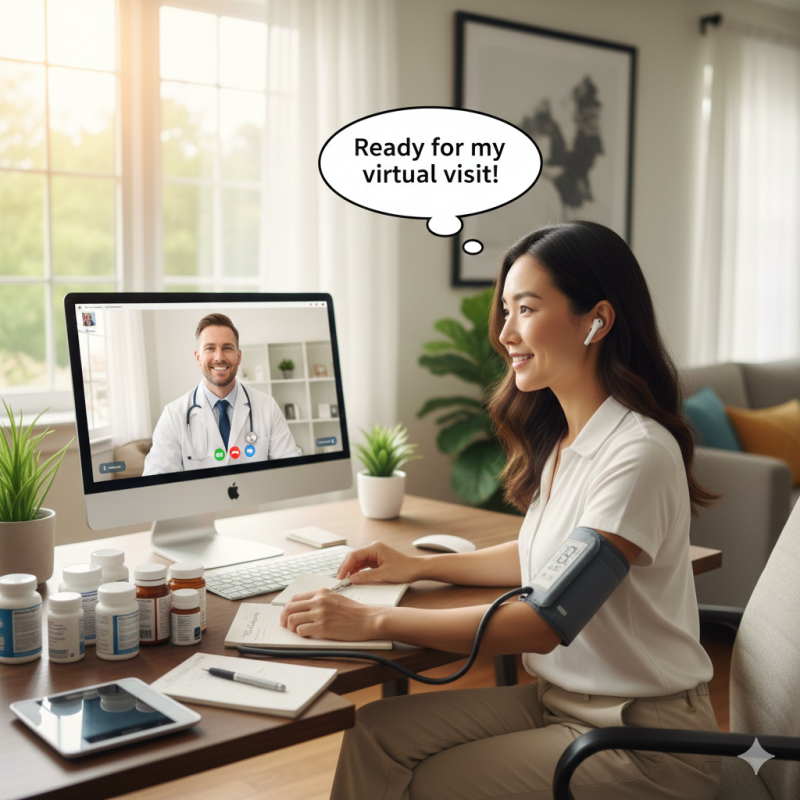
The days of sitting in a drafty waiting room for an hour just to get a five-minute prescription refill are fading. Telehealth has transformed healthcare, making it possible to see your provider from the comfort of your couch.
However, "logging on" can feel just as stressful as finding a parking spot if you aren't prepared. To ensure your virtual visit is as effective as an in-person one, you need a game plan. Here is your step-by-step guide to mastering the digital doctor's office.
The "Tech Check": 15 Minutes Before the Call
Don't wait until the appointment starts to test your equipment. Technical glitches are the number one cause of "tele-frustration."
-
Check Your Connection: Use Wi-Fi instead of cellular data if possible. If your signal is weak, move closer to your router.
-
Check Your Audio/Video: Make sure your camera is at eye level and you are in a well-lit room (don't sit with a window directly behind you, or you’ll look like a silhouette).
-
Update Your Software: If your doctor uses a specific app (like MyChart, Zoom, or Doxy.me), ensure you have the latest version downloaded.
-
Charge Up: Ensure your laptop, tablet, or phone is plugged in or fully charged. Video calls drain batteries faster than you’d think!
The "Digital Exam Room" Setup
Your doctor can’t reach through the screen to take your pulse, so you need to be their "on-site assistant." Have these items within arm's reach:
1. The Vital Signs
If you have the tools at home, take these measurements 5 minutes before the call and write them down:
-
Blood Pressure: Use your home cuff.
-
Heart Rate: Your pulse or smartwatch reading.
-
Temperature: A current thermometer reading.
-
Weight: Especially important for medication dosing.
2. The "Physical" Meds
Don't rely on memory. Gather your actual prescription bottles and supplements. Sometimes the doctor will ask you to hold the label up to the camera to verify the exact dosage or manufacturer.
3. Your Medical Context
-
A Symptom Diary: When did the pain start? What makes it better?
-
Pharmacy Info: Have the name and phone number of your preferred pharmacy ready in case a new script is needed.
Troubleshooting Tips: What to Do if Things Go Wrong
Even the best-laid plans hit a snag. If the video freezes or the audio cuts out:
-
The "Refresh" Rule: Try refreshing the browser or closing and re-opening the app.
-
Have a Backup: Keep your phone nearby. Usually, if the video fails, the doctor will call your cell phone to finish the appointment via audio.
-
Check the Mute Button: It sounds simple, but it’s the most common culprit!
The "Teach-Back" Finale
Before you disconnect, treat the end of a telehealth call just like an in-person visit. Summarize what you heard: "So, I'm increasing my Vitamin D to 2,000 IUs and I'll see you in three months, right?" This ensures nothing was "lost in the lag."
Pro Tip: Find a private space. You don't want to be discussing a sensitive rash or a mental health concern while your barista shouts "Oat Milk Latte!" in the background.
Add comment
Comments